
Platform hub
Dock 3
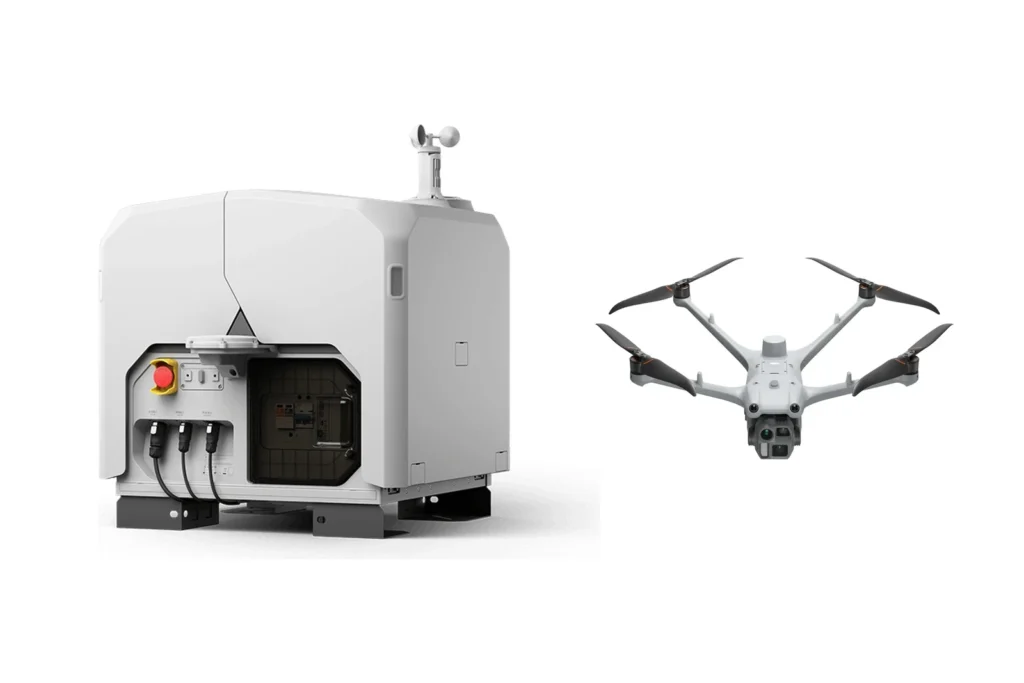
DJI Dock 3 is designed for automated and remote drone operations, allowing the drone to be based in the field while an experienced operator manages missions remotely from the office.
Dock units for the Dock 3
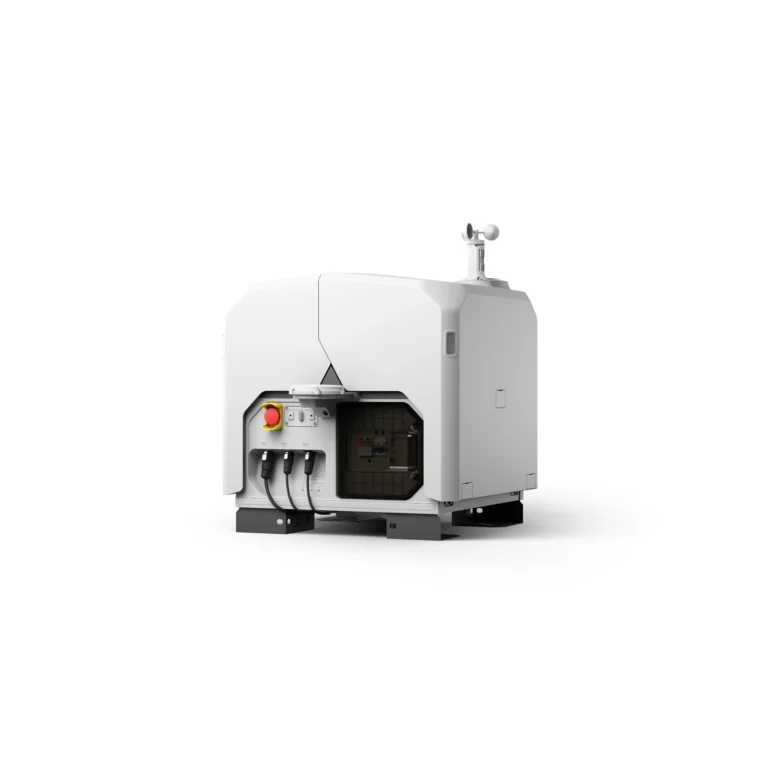
DJI Dock 3 Box Only
AIQ-0059
IP56 protection, automated aircraft charging and support for both fixed and vehicle-mounted deployment, combined in a rugged docking station built for remote and repeatable drone operations. DJI Dock 3 connects with DJI FlightHub 2 and is compatible with the Matrice 4D and Matrice 4TD, providing the foundation for automated inspection, monitoring, mapping and site-management programmes without requiring a pilot to travel to site for every mission.
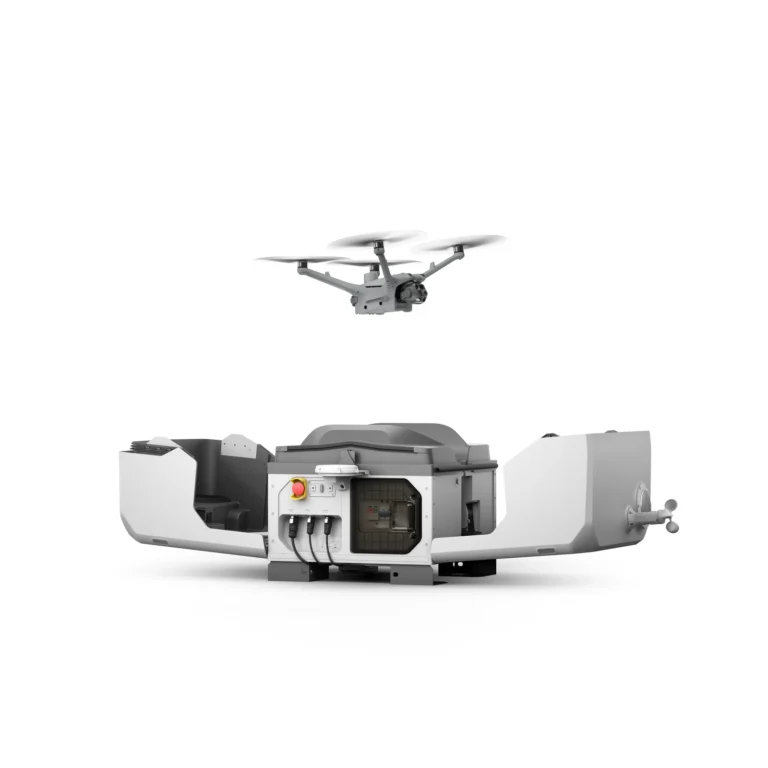
DJI Dock 3 Matrice 4D combo
AIQ-0106
20MP 4/3 CMOS mechanical-shutter camera, medium telephoto and telephoto cameras, laser ranging and high-precision mapping capabilities, combined with DJI Dock 3 for automated and remote drone operations. The Dock 3 with Matrice 4D Combo is designed for repeatable surveying, construction monitoring, infrastructure inspection and site mapping where consistent aerial data needs to be captured without sending a pilot to site for every mission.
DJI Dock 3 Matrice 4TD combo
AIQ-0107
48MP wide-angle, medium telephoto and telephoto cameras, radiometric thermal imaging, NIR illumination and laser ranging, combined with DJI Dock 3 for automated and remote drone operations. The Dock 3 with Matrice 4TD Combo is built for repeatable asset inspection, energy and utility monitoring, infrastructure oversight and other applications where visual and thermal data needs to be captured consistently without sending a pilot to site for every flight.
Drones for the Dock 3
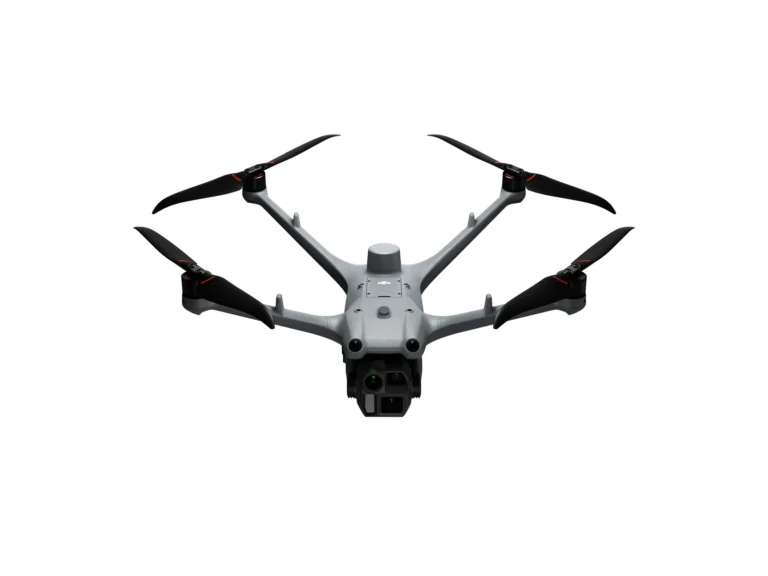
DJI Matrice 4D Basic Kit
AIQ-0075
20MP 4/3 CMOS mechanical-shutter camera, medium telephoto and telephoto cameras, combined in a weather-resistant enterprise drone built for professional surveying, mapping and detailed visual inspection. DJI Dock 3 compatibility, extended flight performance and intelligent mapping capabilities support repeatable geospatial, construction and remote data-capture workflows.
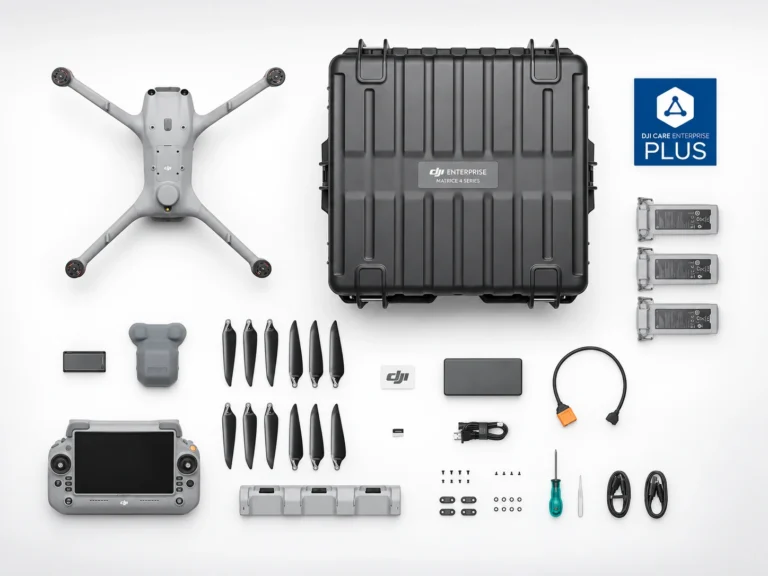
DJI Matrice 4D Essentials Combo
AIQ-0096
20MP 4/3 CMOS mechanical-shutter camera, medium telephoto and telephoto cameras, combined in a weather-resistant enterprise drone built for professional surveying, mapping and detailed visual inspection. DJI Dock 3 compatibility, extended flight performance and intelligent mapping capabilities support repeatable geospatial, construction and remote data-capture workflows.
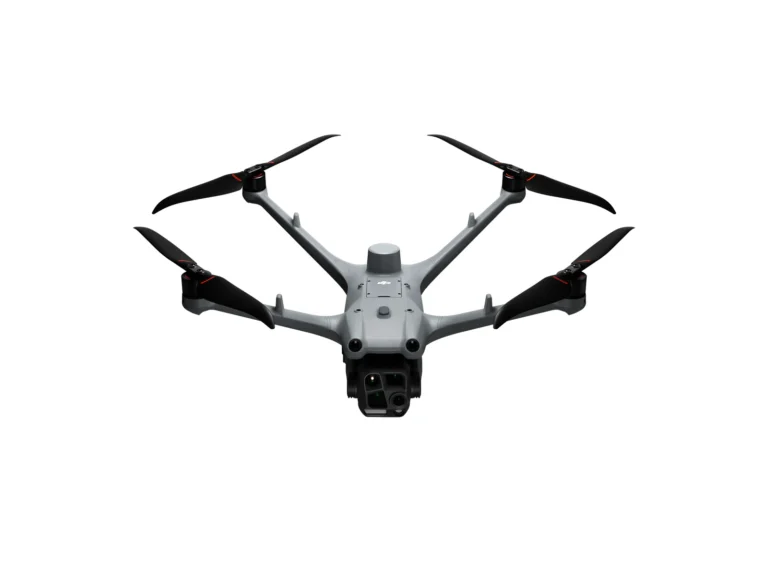
DJI Matrice 4TD Basic Kit
AIQ-0076
48MP wide-angle, medium telephoto and telephoto cameras, combined with a radiometric thermal camera, NIR auxiliary light and laser range finder in a weather-resistant enterprise drone built for professional inspection and asset management. DJI Dock 3 compatibility, low-light imaging and long-range visual and thermal capture support repeatable energy, utilities, infrastructure and remote inspection workflows.
DJI Matrice 4TD Essentials Combo
AIQ-0097
48MP wide-angle, medium telephoto and telephoto cameras, combined with a radiometric thermal camera, NIR auxiliary light and laser range finder in a weather-resistant enterprise drone built for professional inspection and asset management. DJI Dock 3 compatibility, low-light imaging and long-range visual and thermal capture support repeatable energy, utilities, infrastructure and remote inspection workflows.
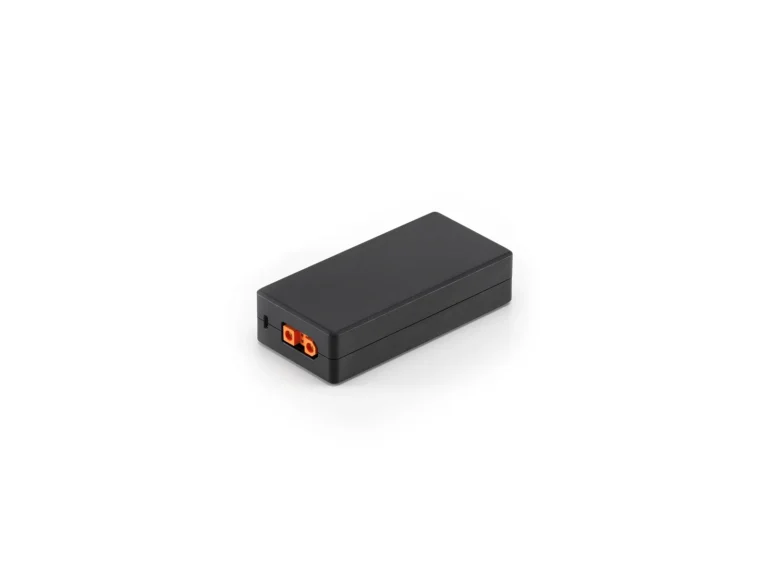
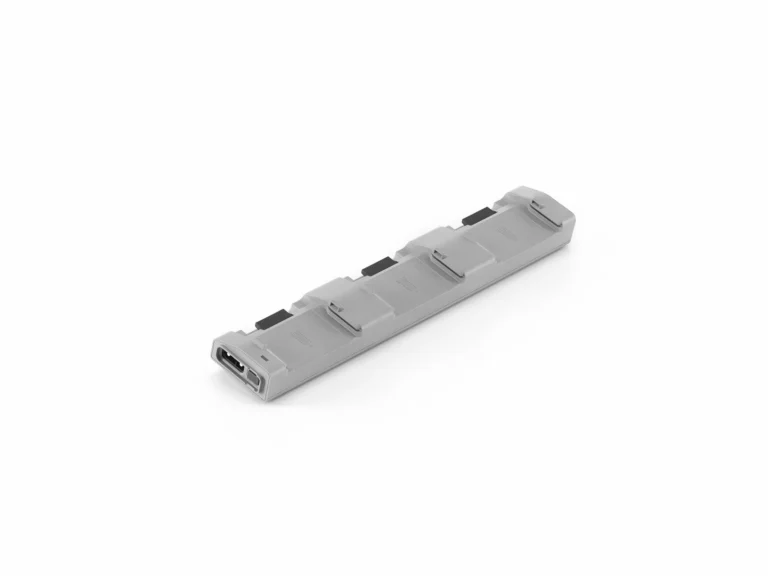
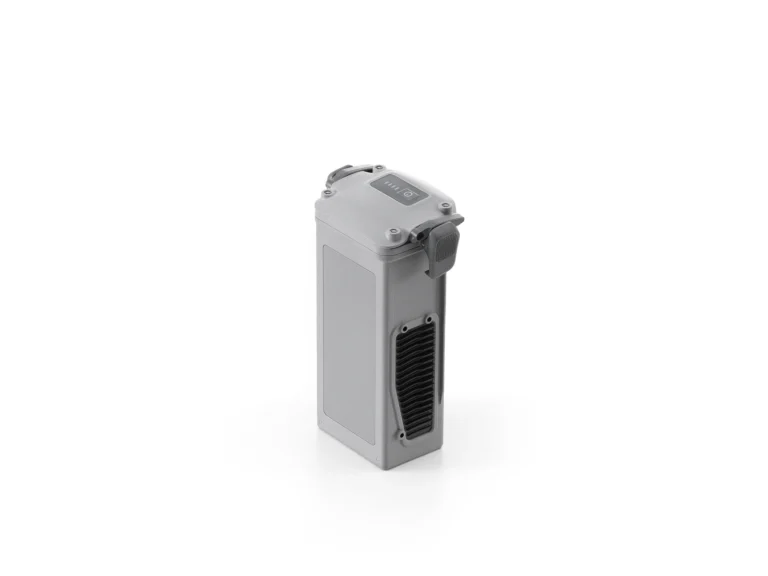
Batteries & Charging for the Dock 3
Accessories for the Dock 3
Payloads for the Dock 3
GNSS for the Dock 3
Platform overview
Where Dock 3 earns its place
Flights can be planned in advance and repeated along the same defined flight paths, helping improve safety while capturing consistent data each time. This makes Dock 3 particularly useful for sites that require regular inspections, monitoring, mapping or ongoing oversight, without needing a pilot to travel to site for every flight. Through a network connection and DJI FlightHub 2, operators can access current site information, live views and captured data remotely, giving teams a much clearer picture of what is happening on site when they need it. Dock 3 can be paired with the Matrice 4D, which is well suited to mapping and detailed visual inspections, or the Matrice 4TD, which adds thermal imaging for inspection, monitoring and public-safety applications. It is a rugged system built to operate reliably in a wide range of weather and environmental conditions, making it suitable for long-term deployment in the field. Data from the Matrice 4D or Matrice 4TD can be sent directly into DJI FlightHub 2, including live views and information captured during a mission. This gives your team access to the latest information from site without having to wait for someone to return from the field and download the data. The result is faster, more up-to-date oversight, helping you understand what is happening on site and make better-informed decisions when it matters.
- Flights planned once and repeated along the same paths
- Live views and captured data through DJI FlightHub 2
- Matrice 4D for mapping, Matrice 4TD for thermal
- Rugged enough for long-term deployment in the field
Adaptability
Adaptability- Master All Environments
Rugged and Dependable
Dock 3 is designed to safeguard its internal systems from external conditions by encapsulating electronic components, allowing for seamless deployment even in harsh environments.
- IP56: DJI Dock 3 [2]
- IP55: DJI Matrice 4D/4TD [2]
Wind Resistance
Both Matrice 4D and 4TD can achieve stable takeoff and landing in winds up to 12m/s, and stay in the air for up to 32 minutes. [1]
Temperature Resistant
DJI Dock 3 is built to operate reliably in a wide range of temperatures, from extreme cold through to high heat. It can operate in temperatures as low as -30°C after preheating, and up to 50°C, allowing automated operations and aircraft charging to continue across demanding field environments.
Low-Noise and Anti-Ice Propellers
Matrice 4D and 4TD drones are equipped with propellers designed to reduce operational noise during flight and can maintain stable performance even in freezing rain.
FlightHub 2
FlightHub 2 - DJI FlightHub 2 Intelligent Features
Dock 3 paired with DJI FlightHub 2 enhances the intelligence and efficiency of remote operations.
Intelligent operation
Intelligent Flight and Control
Efficient operation
Efficient Operation
Drones
Drones - High-Performance Drones
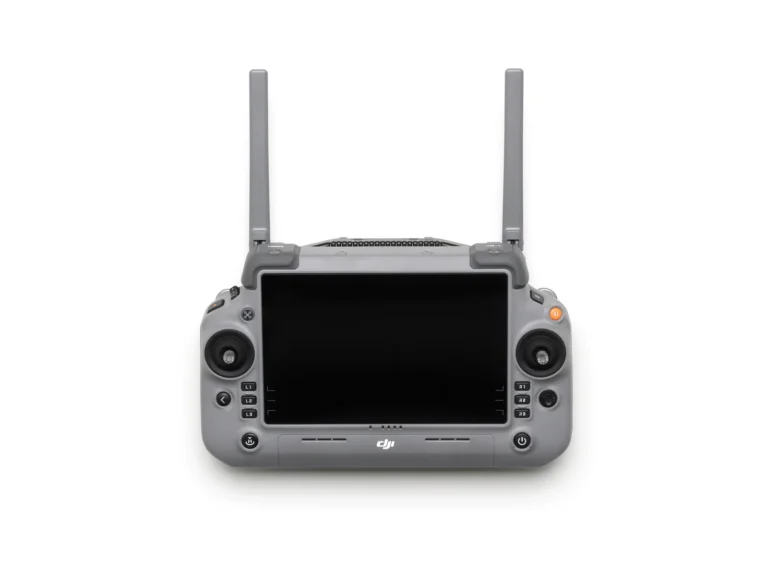
DJI Matrice 4D and 4TD are designed for DJI Dock 3, offering extended flight time, and can pair with DJI RC Plus 2 Enterprise for standalone use. Both drones are equipped with a wide-angle camera, a medium tele camera, a tele camera and a Laser Range Finder. Matrice 4D is highly effective for professional high-precision mapping and detailed surface inspections. Matrice 4TD is equipped with an infrared thermal camera and a new NIR auxiliary light, making it suitable for a wide range of applications such as infrastructure inspections, emergency response, and public safety.
| DJI Matrice 4D | DJI Matrice 4TD | |
|---|---|---|
| Wide-Angle Camera | 4/3 CMOS, 20MP Effective Pixels, f/2.8-f/11, 24mm Format Equivalent, Mechanical Shutter | 1/1.3-inch CMOS, 48MP Effective Pixels, f/1.7, 24mm Format Equivalent |
| Medium Tele Camera | 1/1.3-inch CMOS, 48MP Effective Pixels, f/2.8, 70mm Format Equivalent | 1/1.3-inch CMOS, 48MP Effective Pixels, f/2.8, 70mm Format Equivalent |
| Tele Camera | 1/1.5-inch CMOS, 48MP Effective Pixels, f/2.8, 168mm Format Equivalent | 1/1.5-inch CMOS, 48MP Effective Pixels, f/2.8, 168mm Format Equivalent |
| Laser Range Finder | Measurement Range: 1800 m (1 Hz); Oblique Incidence Range (1:5 Oblique Distance): 600 m (1 Hz); Blind Zone: 1 m; Range Accuracy (m): ± (0.2 + 0.0015 × D) [7] | Measurement Range: 1800 m (1 Hz); Oblique Incidence Range (1:5 Oblique Distance): 600 m (1 Hz); Blind Zone: 1 m; Range Accuracy (m): ± (0.2 + 0.0015 × D) [7] |
| NIR Auxiliary Light [9] | 6° FOV, 100m [10] Illumination Distance | |
| Infrared Thermal Camera [8] | 640×512 Resolution, f/1.0, 53mm Format Equivalent, Uncooled VOx Microbolometer, Supports UHR Infrared Image mode |
Endurance and sensing
Imaging
Unmatched Clarity and Precision for Any Task, Anytime
The aircraft
Deployments
Deployments - Flexible Deployment, Ultra-Long Transmission
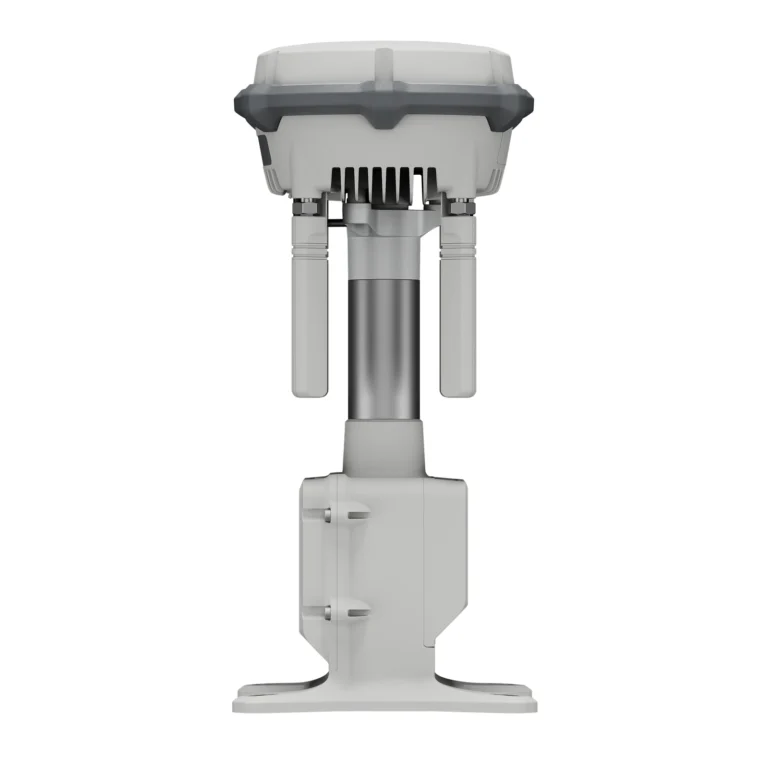
DJI Dock 3 supports flexible deployment options for both fixed and mobile operations. For fixed installations, signal performance can be improved by placing the next-generation DJI O4 Ground Station [4] at an elevated location, giving organisations greater flexibility when selecting a Dock 3 site.
Deployment is also simplified through the new DJI Enterprise app, allowing setup to be completed using a smartphone. [3] For the first time, a DJI Dock also supports vehicle-mounted deployment, making it easier to respond to urgent operations and carry out long-distance inspection work.
Mobile deployment
Mobile Vehicle-Mounted Deployment
DJI Dock 3 is DJI’s first Dock designed to support mobile vehicle-mounted deployment. [6]
To support this use case, the Dock’s structure, internal components and air conditioning system have undergone vehicle vibration testing. It also introduces features including horizontal calibration and cloud-based dock location calibration.
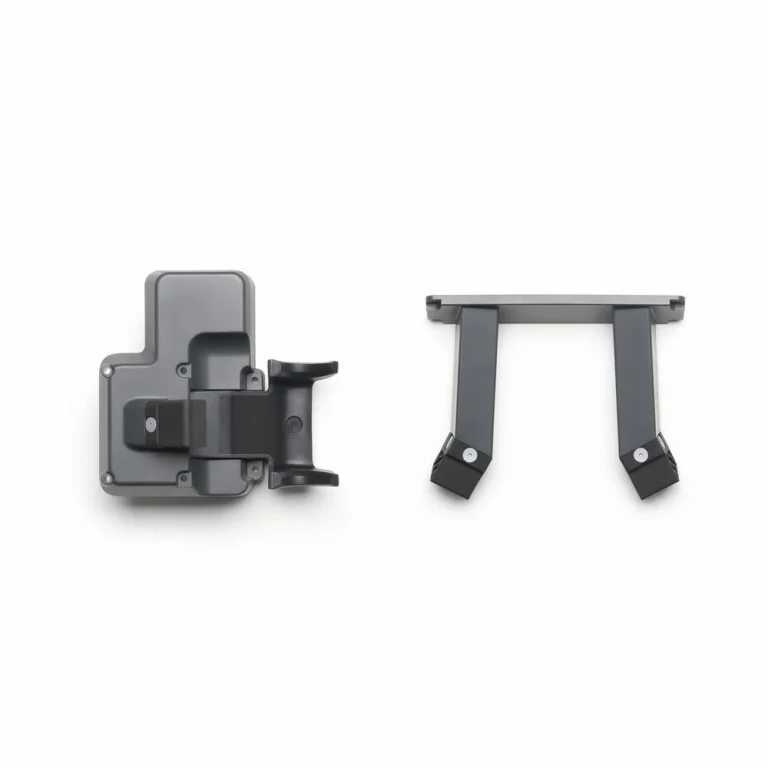
For emergency response and long-distance inspection work, the DJI Dock 3 Vehicle-Mounted Gimbal Mount [4] provides a practical mobile deployment option when a fixed installation is not suitable for temporary operations.
Security compliance
Security Compliance
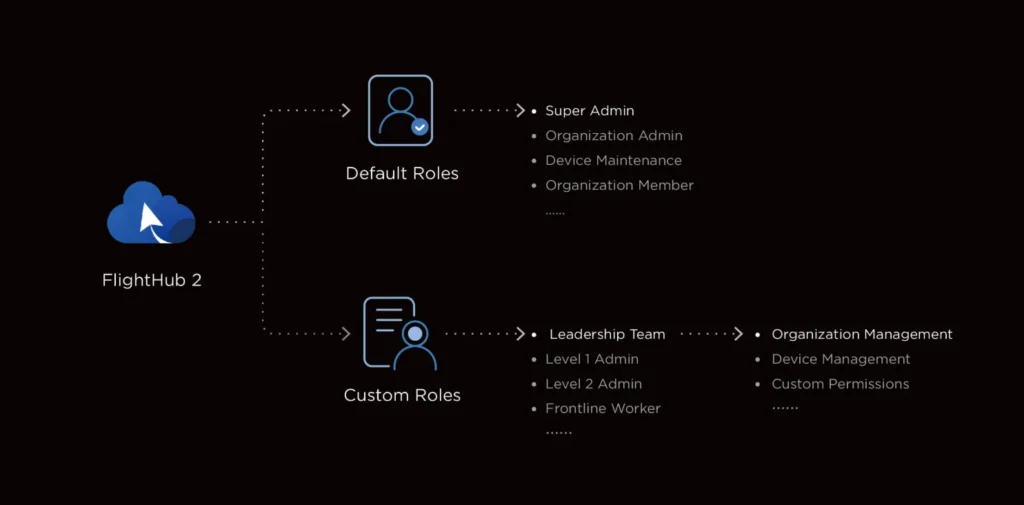
FlightHub 2 Custom Permission Management
FlightHub 2 includes enhanced permission management, giving organisations greater control over how access is configured across their operations. Management permissions can be assigned according to specific operational requirements, helping ensure users have access to the functions and information relevant to their role.
FlightHub 2 Achieves ISO 27001 Certification
FlightHub 2 is ISO 27001 certified, supporting organisations that require strong information security and data management standards. Data uploaded, stored and managed through FlightHub 2 is hosted on Amazon Web Services (AWS) cloud servers. AWS is also ISO/IEC 27001 certified, helping provide secure and compliant processing of operational data.
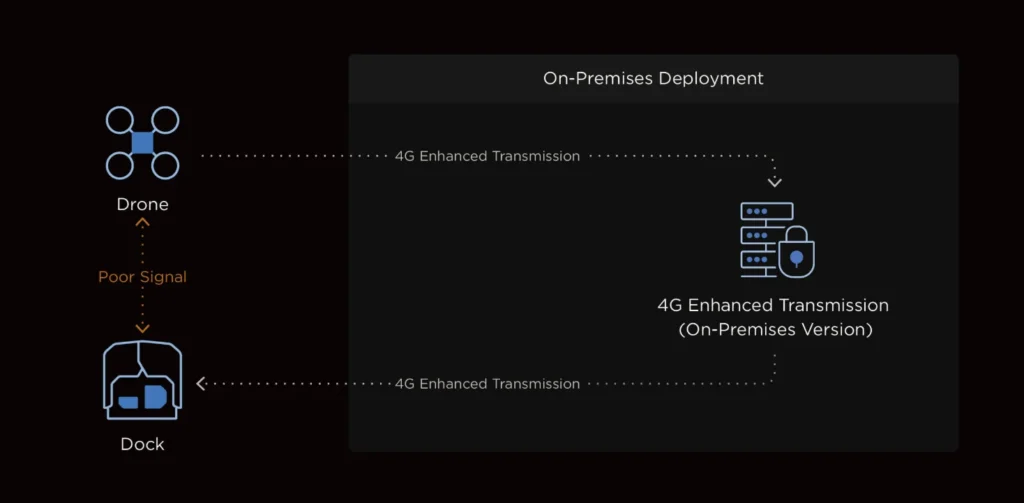
4G Dongle Private Deployment
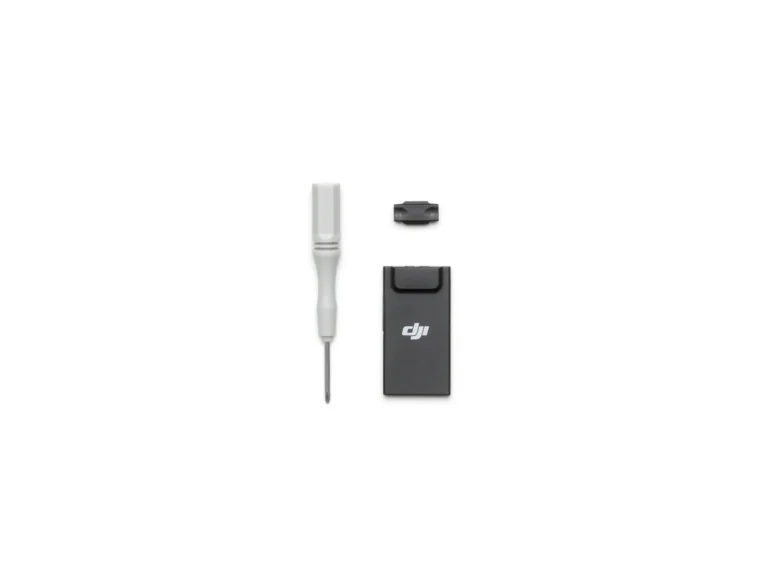
When equipped with the DJI Cellular Dongle 2 [21], the aircraft can connect to 4G networks to provide an additional communications option during operations. In complex environments, the 4G connection works alongside the O4+ video transmission system to help maintain stable transmission and improve flight safety. The 4G enhanced video transmission service can also be privately deployed and used with the on-premises version of FlightHub 2, providing organisations with an additional option for improving the stability and security of data transmission.
Ecosystem
Ecosystem - Open Ecosystem, Breaking Boundaries
Intelligent Algorithm Developer
DJI provides the model training tools required to support intelligent algorithm development and assists with the third-party developer certification process. This helps developers create and expand new intelligent applications for the Matrice 4D Series. [5]
PSDK
E-Port and E-Port Lite use encryption authentication to support secure third-party payload integration. This expands the range of compatible payloads and enables the Matrice 4D Series to support a wider variety of industry applications.
MSDK
Mobile SDK 5 simplifies the development of applications designed to control the Matrice 4D Series. The SDK is fully open source and includes production code samples from core DJI Pilot 2 modules, providing developers with a reliable foundation for creating customised applications and workflows.
Cloud-to-Cloud Coordinated Operation
DJI FlightHub 2's FlightHub Sync function enables organisations to connect FlightHub 2 with third-party cloud platforms. This allows operational data to move between systems more easily, giving organisations greater flexibility over how their drone data and workflows are managed.
Cloud API
DJI Pilot 2 includes a built-in Cloud API based on the MQTT protocol, allowing the Matrice 4D Series to connect directly with third-party cloud platforms without requiring the development of a separate application. Through the Cloud API, users can access aircraft hardware, live video streams and photo data for integration into their own platforms and operational systems.
Third-Party Payloads
The Matrice 4D Series can support additional functionality through compatible third-party payloads [4], including parachute systems connected through the aircraft's E-Port. Added payloads can also be remotely controlled through DJI FlightHub 2. [22] A further port at the rear of the aircraft provides support for PSDK payload integration.
DJI Terra API
The DJI Terra API enables organisations to integrate DJI Terra's mapping capabilities into their own platforms and workflows. Through the API, users can automate 2D and 3D reconstruction processes and customise photogrammetry workflows to suit specific operational requirements. This allows data captured by the Matrice 4D to be processed and incorporated into a wide range of industry applications.
Notes
Notes and test conditions
All data on this page was collected using a production model DJI Dock 3 and DJI Matrice 4D/4TD in a controlled environment. Actual results may vary depending on the environment, usage, and firmware version.
All videos and photos on this page were taken in strict compliance with local laws and regulations. Demos are for reference only. Please observe local laws and regulations and ensure that the aircraft has obtained relevant certifications before flying.
DJI Matrice 4D/4TD must be activated via the DJI Pilot 2 app or the DJI Enterprise app before use.
To ensure that the equipment operates steadily and continuously, please perform regular maintenance.
- 1. Measured when using a new battery with at least 95% battery at takeoff and at least 15% battery at landing. The data is for reference only. Always pay attention to reminders in FlightHub 2 or the DJI Pilot 2 app during flight.
- 2. DJI Dock 3 is IP56 rated, and the DJI Matrice 4D/4TD is IP55 rated. Both were tested under controlled laboratory conditions, with the dock’s distribution cabinet door closed and screws tightened. The IP rating is not permanently effective and may decrease due to product wear and tear.
- 3. Requires using with Android phones for deployment and commissioning.
- 4. Sold separately.
- 5. Need to upgrade to the latest firmware.
- 6. Vehicle mounting must comply with local regulations. Pay attention to road safety and height restrictions while driving.
- 7. D represents the measurement distance.
- 8. Only available with Matrice 4TD. DO NOT expose the infrared camera lenses to strong sources of energy such as the sun, lava, or a laser beam. Otherwise, the camera sensor may be burned leading to permanent damage.
- 9. Only available with Matrice 4TD. The NIR auxiliary light is suitable for the lighting needs of the tele camera.
- 10. Measured with the drone hovering 100 meters above the ground and the tele camera effectively capturing images.
- 11. Compared with DJI Dock 2’s Matrice 3D/3TD.
- 12. Measured at an ambient temperature of approx. 25°C (77°F), with a safe battery level of 15%, in a windless environment, and a round-trip speed of approx. 15 m/s. This value is for reference only, and the actual operation data may vary.
- 15. Official repair will be provided free of charge if a collision occurs due to obstacle avoidance failure, resulting in damage to the drone or the Obstacle Sensing Module, provided that the following conditions are met: the Obstacle Sensing Module is installed, the drone is flying automatically along a preset route, all equipment is operating normally, GNSS signal is strong, weather conditions are favorable, and both millimeter-wave radar and LiDAR are functioning properly. Please note that free repair is not provided in the following scenarios:
- (1) Presence of fast-moving objects around the flight route (e.g., operating wind turbines, moving tower cranes, birds in flight, etc.);
- (2) Special weather conditions such as rain, snow, fog, or dust;
- (3) The obstacle is located within the blind spot of the Obstacle Sensing Module. For detailed information on the range of the blind spot, refer to the User Manual of the Obstacle Sensing Module;
- (4) When there are small branches or wires with a diameter less than 12 mm located around the flight path, or when the drone is flying vertically nearby slanting wires;
- (5) Due to national policy restrictions, radar cannot be activated or can only operate with limited functions in certain countries and regions. For details, please consult your local dealer;
- (6) The Obstacle Sensing Module is out of warranty.
- 16. Measured under standard lighting conditions from a horizontal position 10 meters away from the subject, with a direct line of sight.
- 17. Captured with the tele camera directly facing the object.
- 18. The current functionality is insufficient to meet the needs of urban area mapping. Future updates will continue to optimize flight routes and mapping solutions for urban areas.
- 19. There should be no obstructions between the remote controller and the relay aircraft, and between the relay aircraft and the operational aircraft. Strong electromagnetic interference may affect the video transmission distance.
- 20. In an outdoor, open environment, without interference, and with FCC compliance, the drone can typically complete the transmission of footage to the dock when the distance between the drone and the dock is within 1 kilometer. The speed of transmission from the dock to the cloud depends on the user’s network conditions.
- 21. Sold separately. This service is not available in some countries and regions. Please consult your local dealer for details.
- 22. Please consult your dealer first to ensure that the payload is compatible with DJI FlightHub 2.
- 23. The functionalities of building-side deployment and communication tower deployment rely on the service area of the satellite positioning system, currently only supporting most regions in the Asia Pacific, as detailed in the Installation and Setup Manual. The specific applicability should be determined based on the results displayed on the DJI Pilot 2 app during dock site evaluation. During communication tower deployment, the dynamic power variation of communication base stations may cause signal interference, potentially affecting drone takeoff in rare cases. If such issues occur, please try restarting the aircraft and reissuing the flight task.
- 24. Gateway Mode is compatible with DJI Dock 3.
- 25. DJI O4 Ground Station offers a greater single-station coverage radius with Dock 3 compared to D-RTK 3 in Relay Station mode. Measured in an outdoor, open environment, without interference. The 30km transmission range is only achievable under IC compliance when using Matrice 4D (with DJI Dock 3) in Gateway Mode, or Matrice 4D/4TD (with DJI RC Plus 2 Enterprise) in Relay Mode. The above data shows the farthest communication range for one-way, non-return flights. Always pay attention to reminders in the app during your flight.
- 26. Relay Mode is compatible with DJI Dock 3, Matrice 400, Matrice 4E, Matrice 4T, Matrice 4D/4TD (DJI RC Plus 2 Enterprise), and FlyCart 100. This feature is unavailable in countries or regions without 5GHz frequency support, such as Japan and Kazakhstan. Check local laws and regulations for more information.
Where it’s used
Relevant industries.
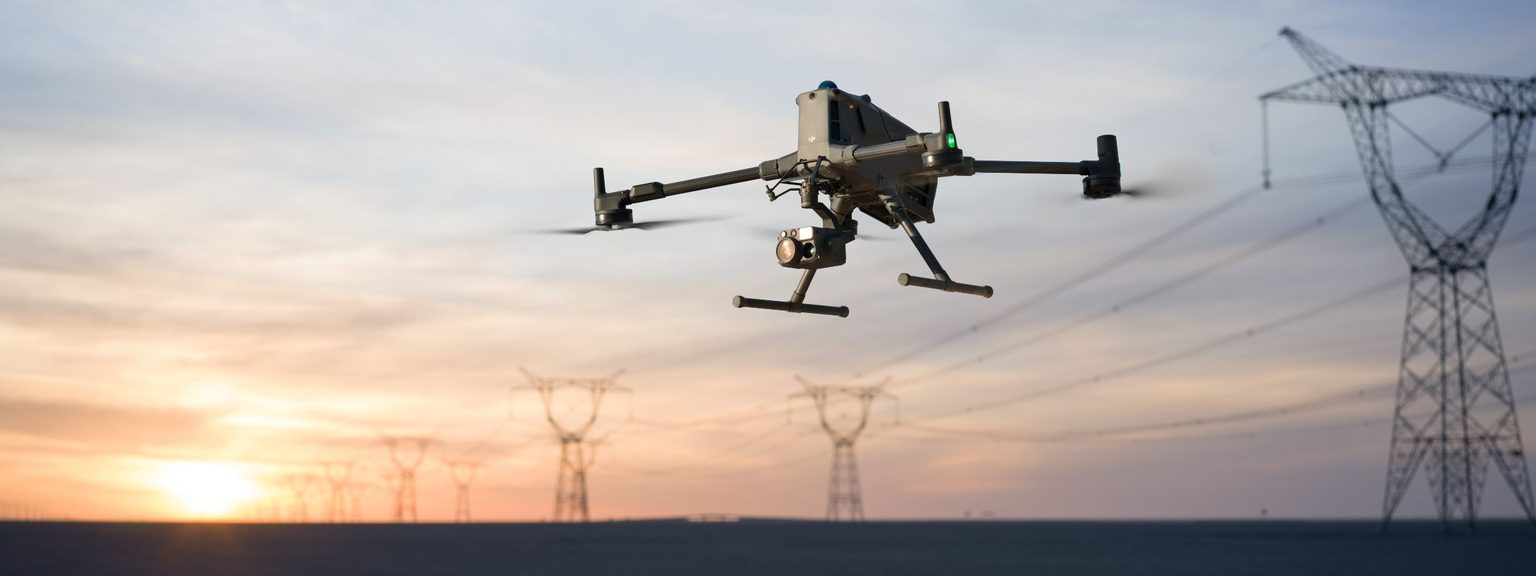
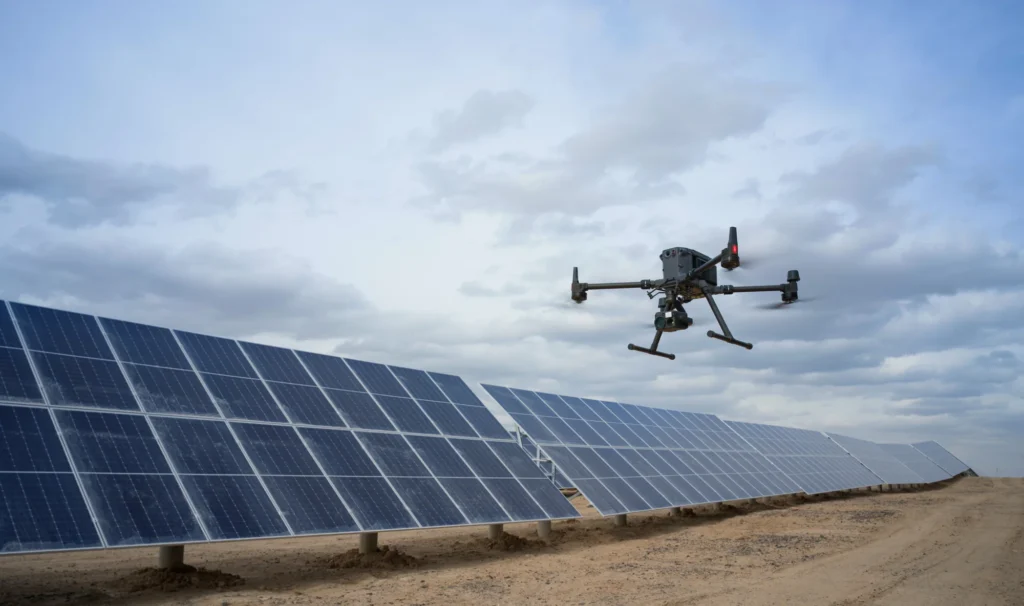 powerline inspection
Energy & Utilities
Inspection and monitoring across networks, generation and distribution infrastructure.
View pathway →
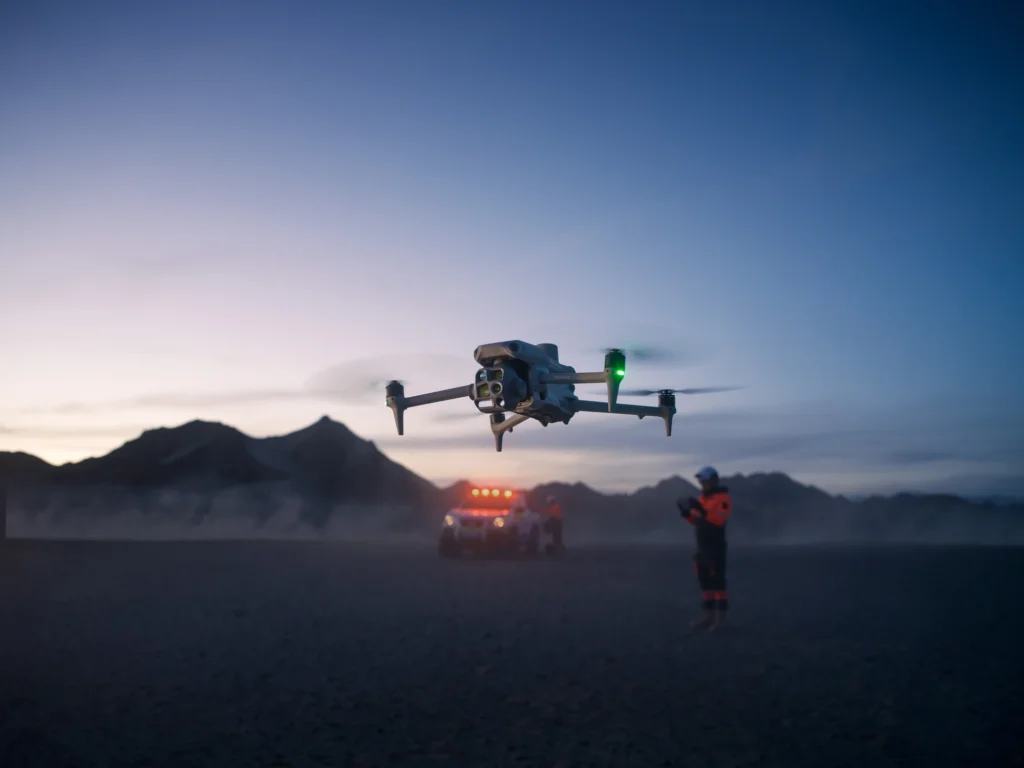 operator in field
Public Safety
Situational awareness and rapid aerial data for response and planning teams.
View pathway →
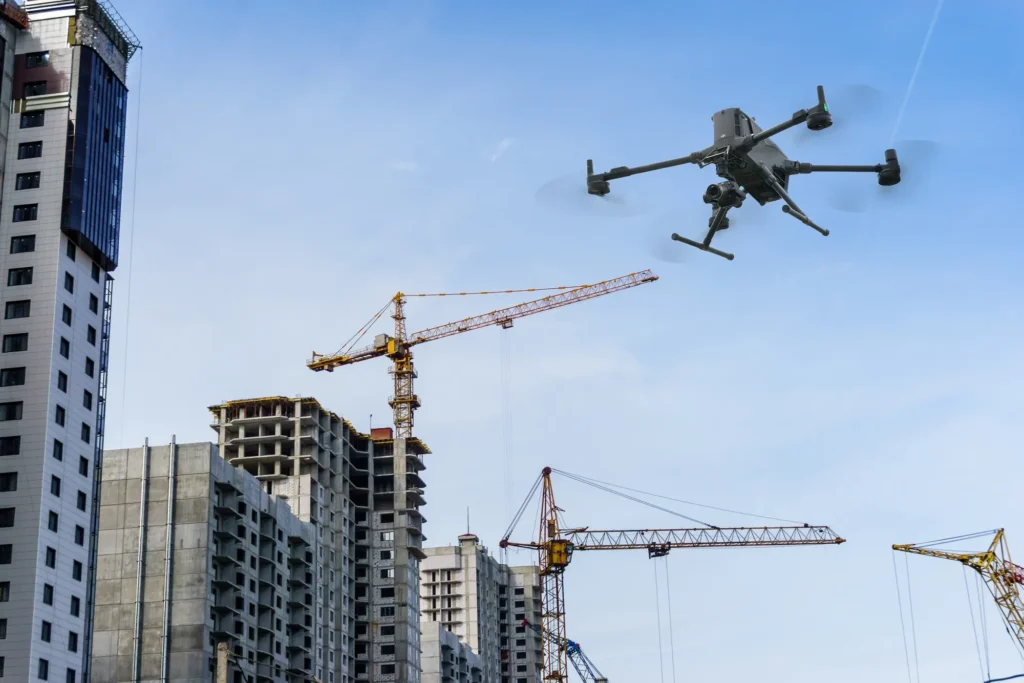 construction site survey
Construction
Site progress, volumes and as-built data captured on a repeatable schedule.
View pathway →
Talk to AeroIQ